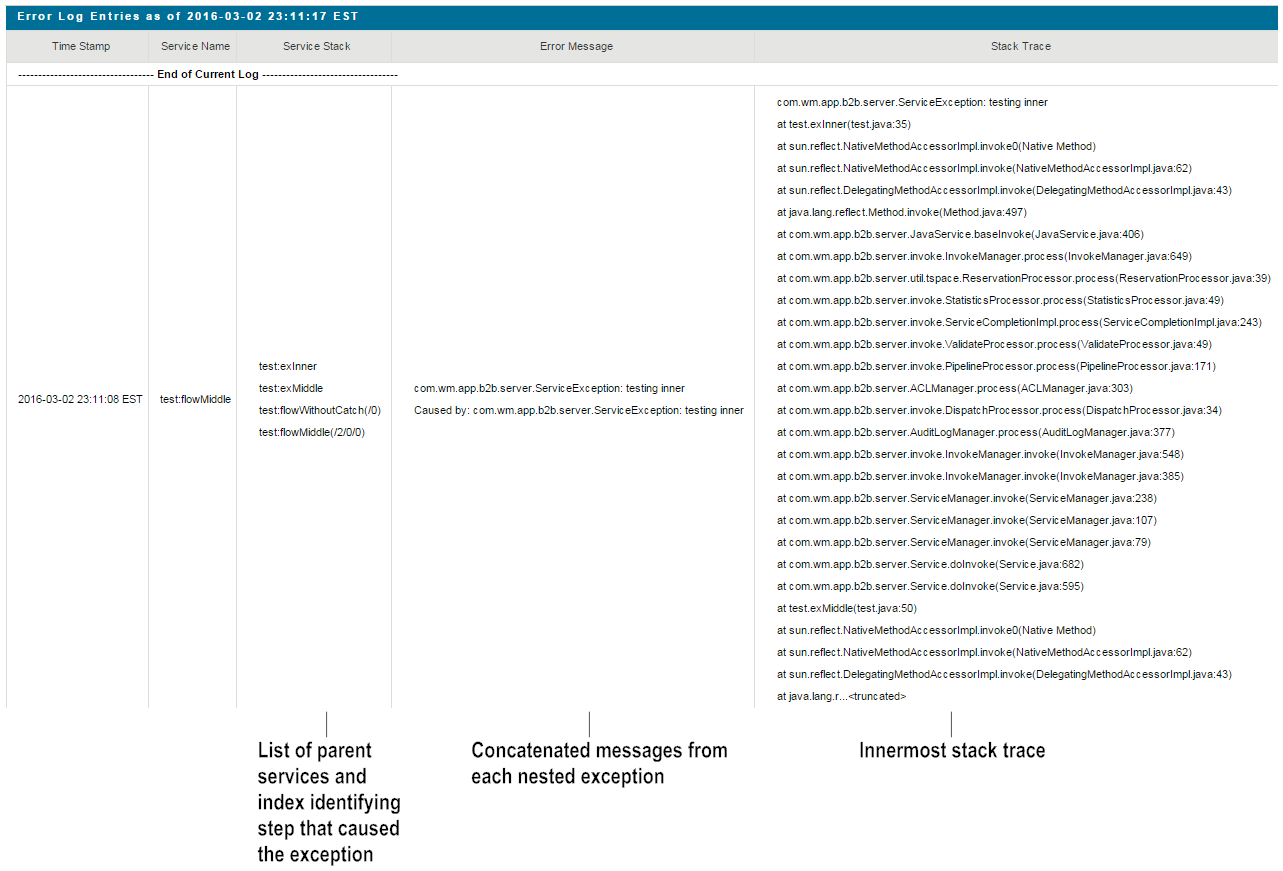
Set the value of the watt.server.deprecatedExceptionLogging parameter to its default setting, false.Set the value of the watt.server.deprecatedExceptionLogging parameter to its default setting, false.Go to, Logs > Error and select Expand Stack Trace Data.